Disclaimer: Not all features shown are available with the standard LilyPad Vortex package.
How to Log Back In After Changing the Fishbowl Admin Password #
To assure Lilypad has a stable connection with your database, please setup a new user specifically for LilyPad to connect to.
Please reach out to our support team to see if a new user is needed for your connection. You can reach us at support@lilypadapplications.com or by calling us at 631-888-0207
Syncing Information to Vortex #
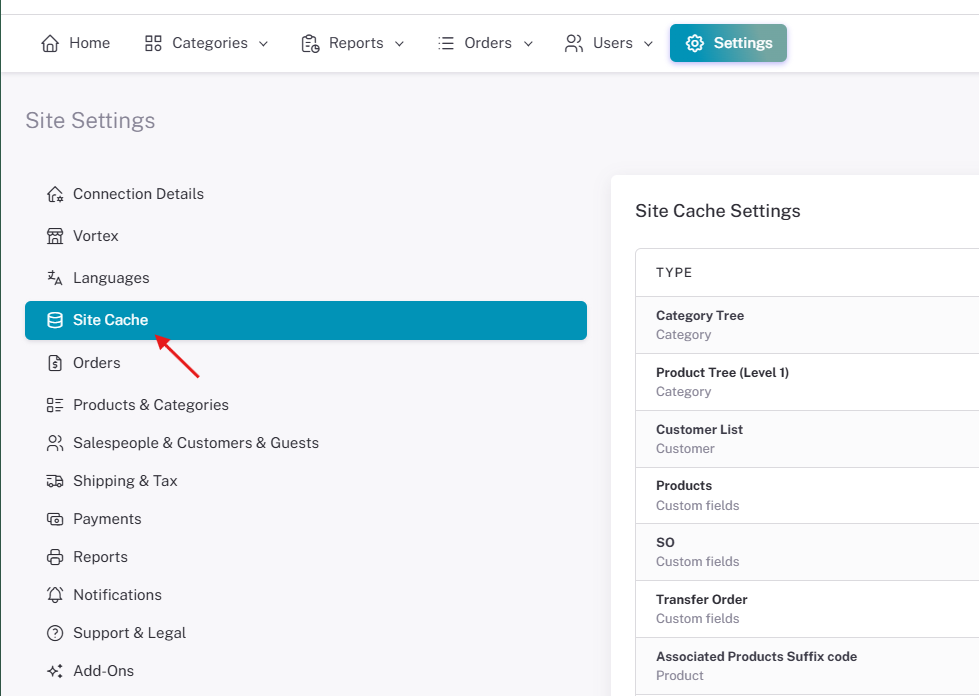
The Site Cache is where you update all the information you have changed/added in your database into Vortex. From this setting you can update Customers, Custom Fields, Products, Sales Orders, and System Users.
The Site Cache can be found in the Lilypad settings.
You can use the “Sync All” Button at the bottom of the page to update all fields.

Note: Product images must be manually selected to sync. Selecting “Clear All” at the bottom will not sync product images.
This overview article presents a neutral guide to popular online casino games available to Australian players and summarizes common bonus types and payment methods that are typically used.
