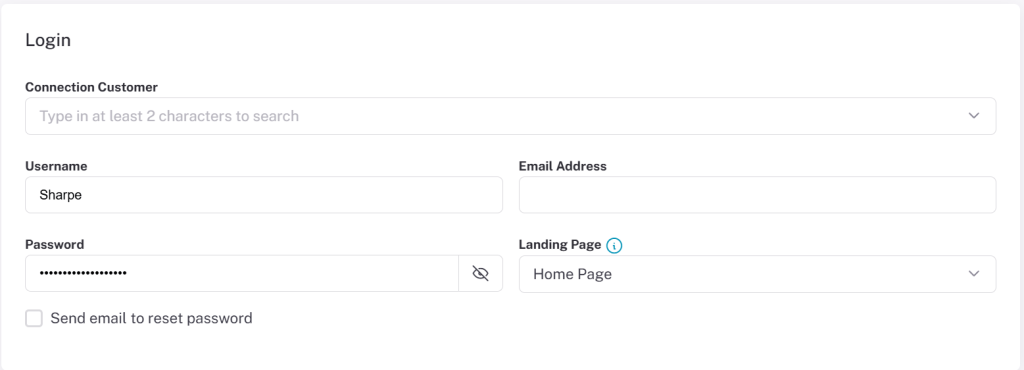
Disclaimer: Not all features shown are available with the standard LilyPad Vortex package.
Creating a Salesperson #
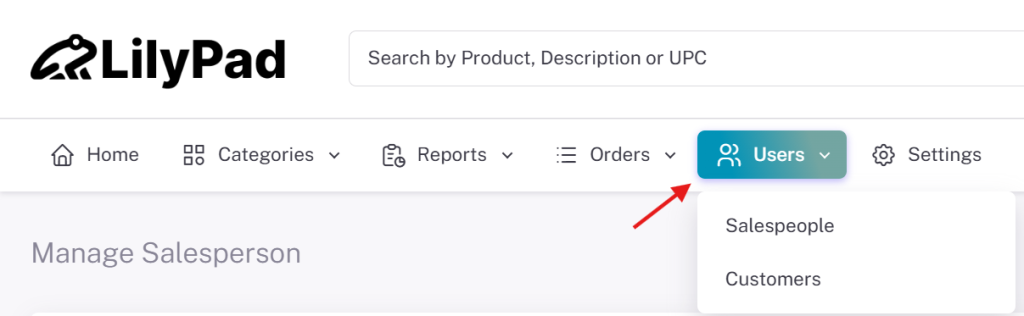
To create a Salesperson account, navigate to the Users drop down and select Salesperson.
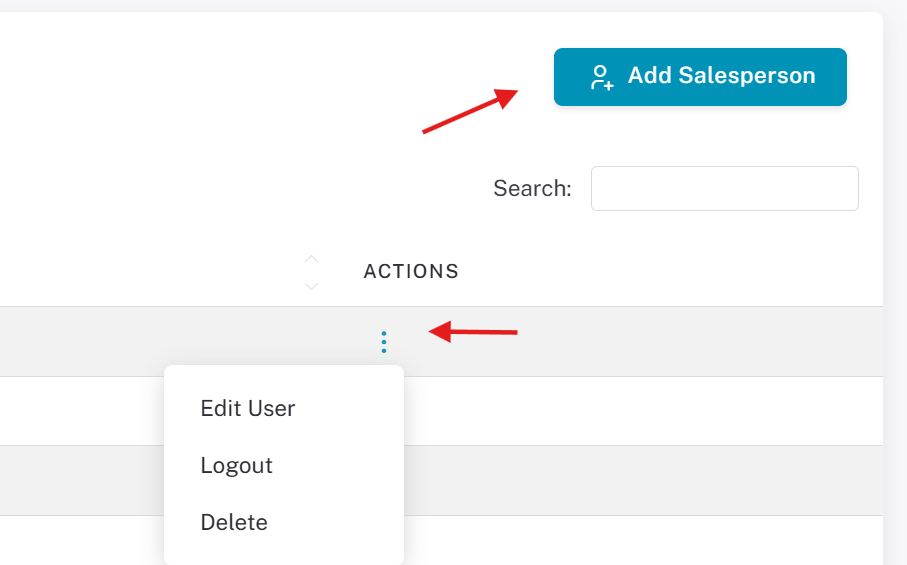
Select the “Add Salesperson” at the top right to start creating a new Salesperson account. To edit an existing Salesperson, click the 3 blue dots under “Actions” on the right.
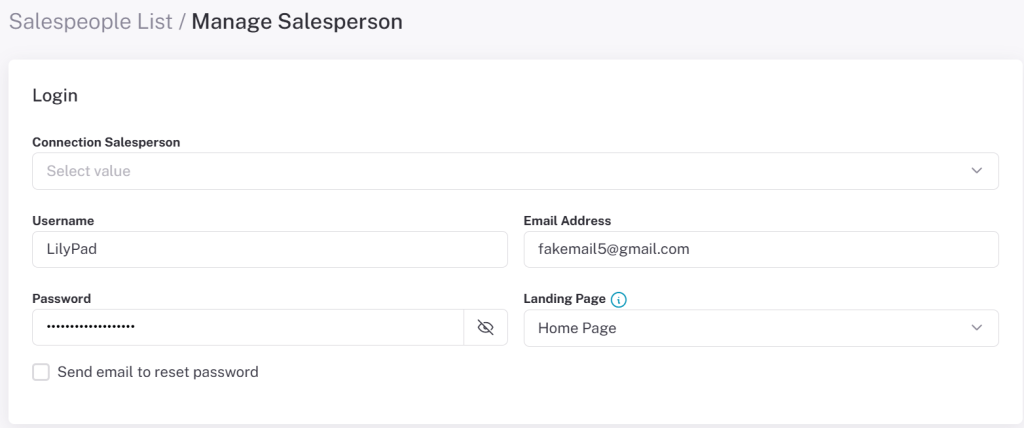
When creating a new Salesperson, four fields are required: Fishbowl Salesperson, Username, Password, and Email Address. All other fields on the Salesperson creation page are optional. (See more about these settings in the Managing & Creating Users Settings page.) When finished, click Save and the Salesperson will be created.
Creating a Customer #
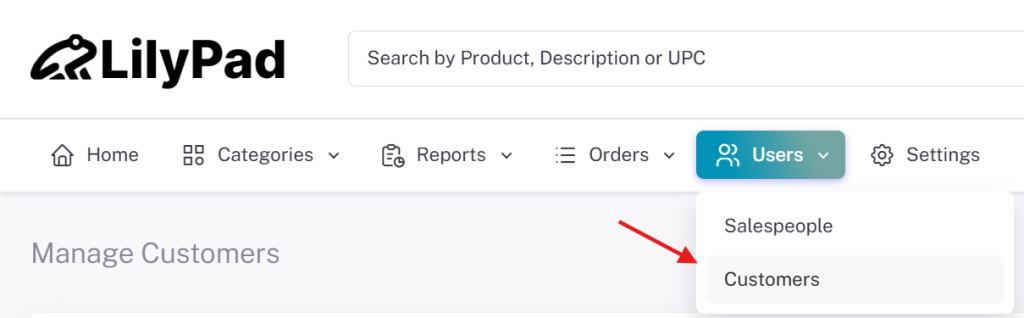
To create a new Customer, navigate to the Users drop down and select Customer.
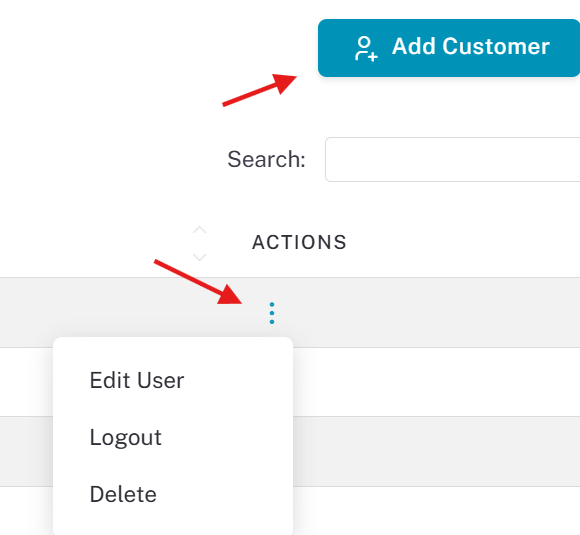
Select the “Add Customer” button at the top right to start making a new customer account. To edit an existing Customer, click the drop-down on the right.
As with a Salesperson, four fields are required: Fishbowl Salesperson, Username, Password, and Email Address. There are many additional settings you can turn on when creating a Customer, but they are not required. When you have filled out all the fields you want, click Save to finish creating the Customer.