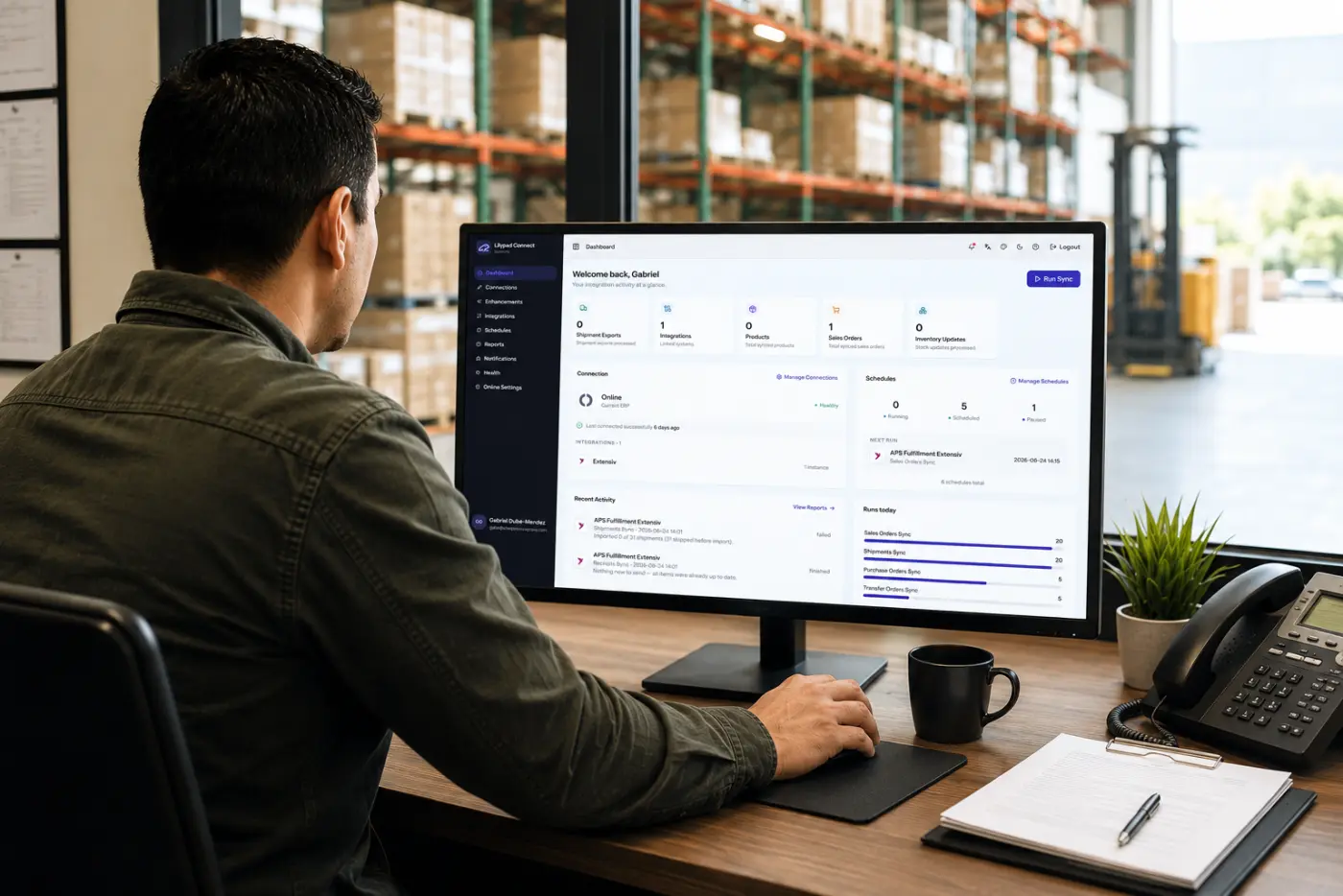

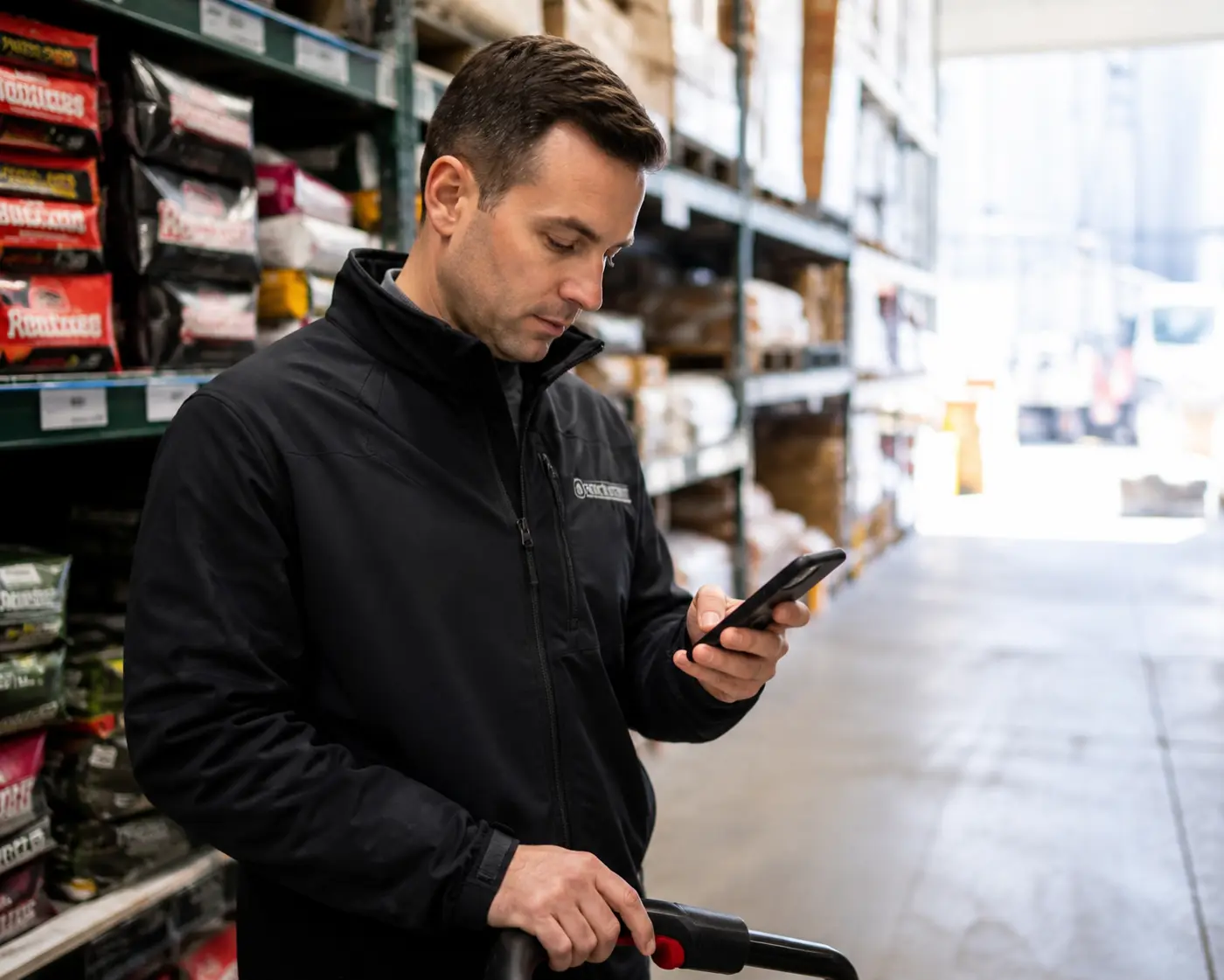




Run your whole warehouse from a handheld scanner.
LilyPad WMS puts picking, packing, shipping, receiving, counts and transfers on any mobile device. Every barcode scan is written straight back to Fishbowl, Katana or Cin7 in real time.
- Any mobile device
- Barcode and 2D mapping
- Writes back in real time
Already using WMS? Watch the training videos
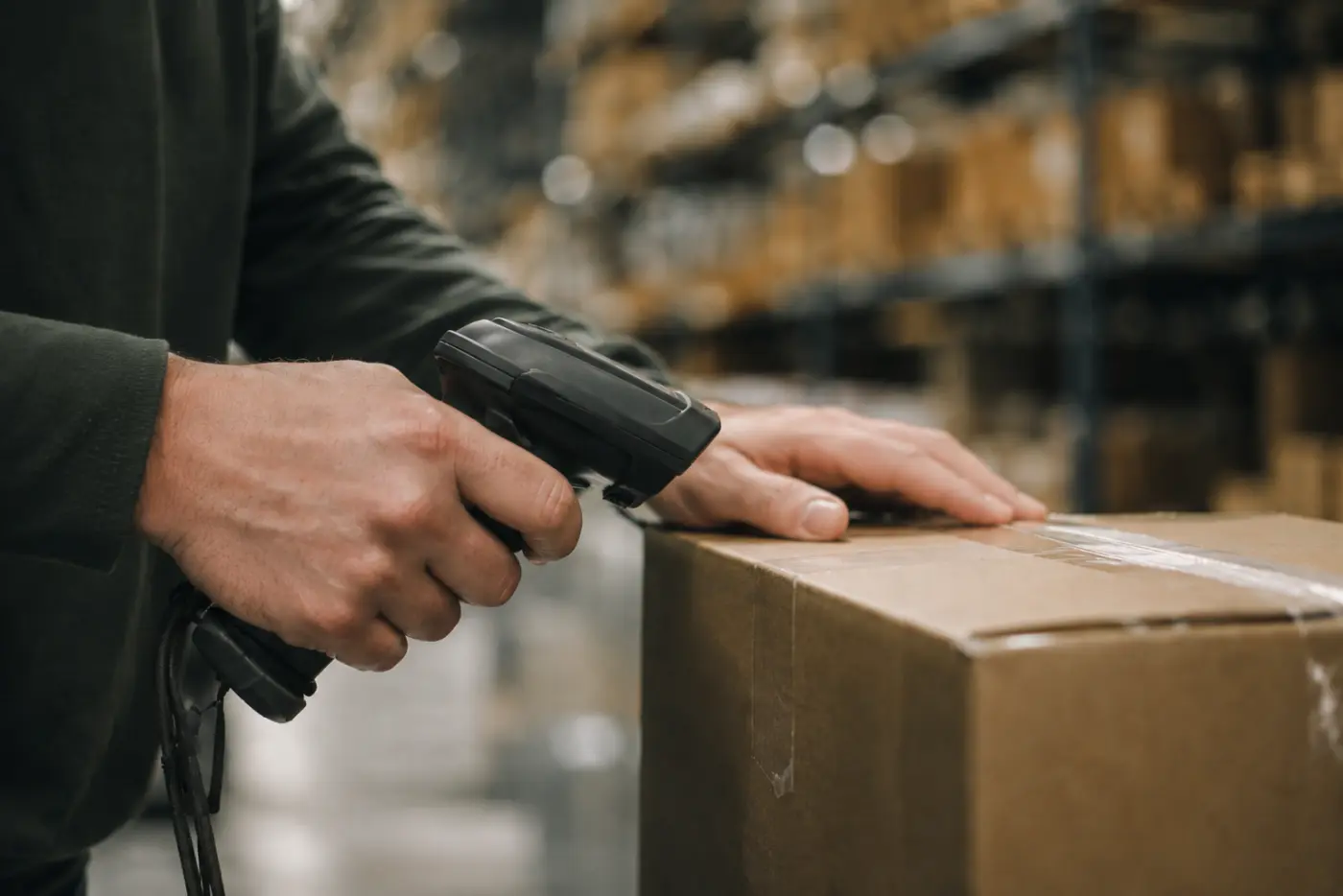
Every scan reads and writes against your ERP



On the floor
Scan, pick, pack, ship. Done.
A picker scans down the list, the app verifies each line, and the order moves on to packing and shipping.
-
01
Pick
Guided, barcode-verified picking
The picker works down the order and scans each item. The app checks every line before the order moves on.
-
02
Pack and ship
Pack and ship in the same flow
Lot and serial detail carries through packing and shipping, with full chain of custody back to your ERP.
-
03
Every step
Posts to your ERP instantly
Each step posts back to your ERP as it happens, so the office sees the order move in real time.
Everything WMS does
Every floor task, in one place.
The full LilyPad WMS module map, grouped exactly the way it appears on your handheld. Every function is barcode-driven and posts straight back to your ERP.
- Part
- Cycle by Location
- Move
- Cycle count
- Scrap Inventory
- Add Inventory
- Transfer Orders
- Pick
- Pack
- Ship
- Receive
- Purchase Order
- Vendor
- Work Order
- Manage pallets
- Reports
- WMS Options
- 2D Barcode Mapping
Pallets and pallet tags
Move a whole pallet in one scan.
Build pallets on the floor and track them by pallet tag. Receive, move and ship a whole pallet in one scan instead of unit by unit.
- Mixed-SKU pallets and nested cartons
- Full chain of custody
- Every pallet move writes back to your ERP
Built for your ERP
A live extension of the ERP you already run.
WMS connects directly to Fishbowl, Katana or Cin7, and we can build it for other systems. Every scan on the floor reads and writes against your ERP in real time, so the warehouse and the office are never out of sync.
Real-time connection
- Works with
- Fishbowl, Katana and Cin7
- Other systems
- We can build it for yours
- Every scan
- Pick, pack, ship, receive, count and move, posted live
Training your team? Short walkthroughs cover pallet management, materials, and tools and scanning. Watch all 17 WMS training videos.
Frequently asked
WMS questions, answered.
What devices does WMS run on?
Any modern Android or iOS handheld, tablet or phone, plus dedicated rugged scanners and ring scanners. If it has a camera or an integrated imager, it can run WMS. There is no special hardware lock-in.
Does WMS work with Fishbowl?
Yes. WMS works with Fishbowl, Katana and Cin7, and we can build it for other systems. On Fishbowl, it connects directly to your Fishbowl server, and every pick, pack, ship, receive, count, move and transfer reads and writes against Fishbowl in real time. The floor and the office always see the same numbers.
Does it need an internet or ERP connection?
Yes. WMS is a live extension of your ERP, so it needs an active connection to it (your Fishbowl server, or your Katana or Cin7 account) to read and post inventory. It is designed to run live alongside your ERP, not as a disconnected, store-and-forward app.
Who can log in to WMS?
On Fishbowl, your existing Fishbowl users. WMS signs people in against Fishbowl itself instead of adding a separate login system, so the people who can use it are exactly the users in your Fishbowl license. Nothing extra to set up and no license rules to work around.
What barcodes and labels does it support?
Standard 1D barcodes (UPC, EAN, Code 128 and more) and 2D codes (QR, DataMatrix). The 2D Barcode Mapping tool lets you map the labels you already print, including pallet tags and vendor labels, without reprinting your inventory.
Can it track pallets and lots?
Yes. Build and move whole pallets by pallet tag, track mixed-SKU pallets and nested cartons, and keep lot and serial detail through picking, packing and shipping, with full chain of custody back to your ERP.
How many devices can we run at once?
As many as your floor needs. WMS scales from a single handheld to a full crew across the warehouse, with each person signed in as their own user. On Fishbowl, that is their own Fishbowl user, and concurrent use follows your Fishbowl setup, not a separate device limit.
How long does it take to get live?
Most teams are running within days. We connect WMS to your ERP, map your barcodes, deploy to your devices and walk your crew through a live pick-pack-ship run as part of implementation.
How is this different from Fishbowl GO?
Both put Fishbowl on a handheld. LilyPad WMS is a separate app built around full floor operations, and it writes back to Fishbowl live. We put the two side by side on our Fishbowl GO comparison page.
Put your warehouse in your pocket.
We’ll set WMS up on your devices and your ERP, and walk your team through a live pick-pack-ship run.