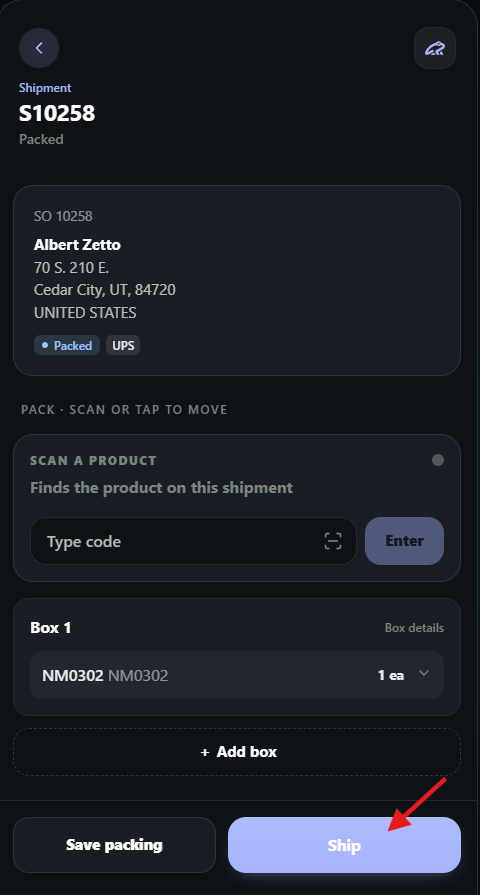
The Shipment module of LilyPad WMS is where users can go to complete the pack and ship process after a pick is completed.
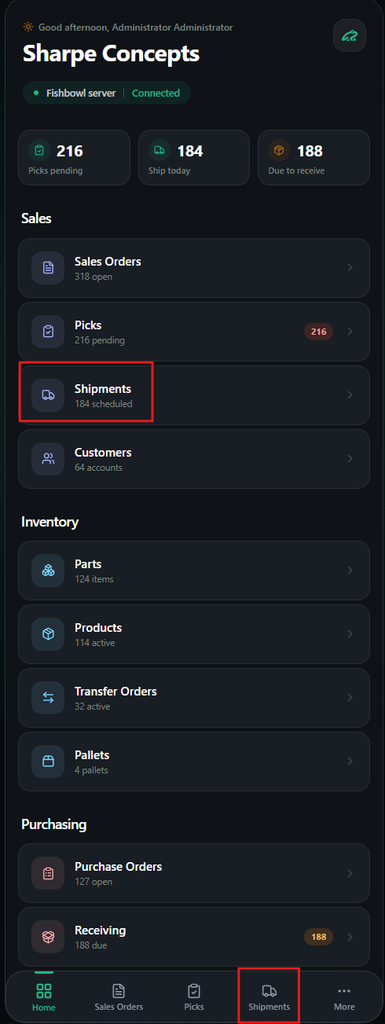
The shipment module can be found under the “Sales” section or at the bottom of the LilyPad screen.
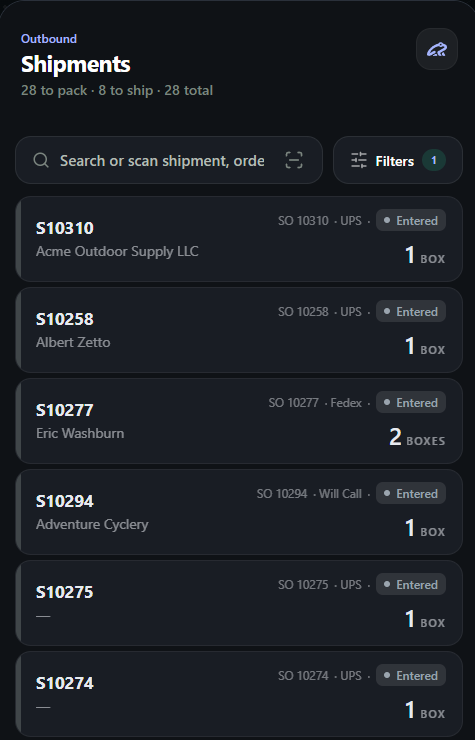
What users will be seeing in this module are orders that are waiting to be packed and shipped.
Users can either manually search for or scan a barcode to locate the order they need to complete.
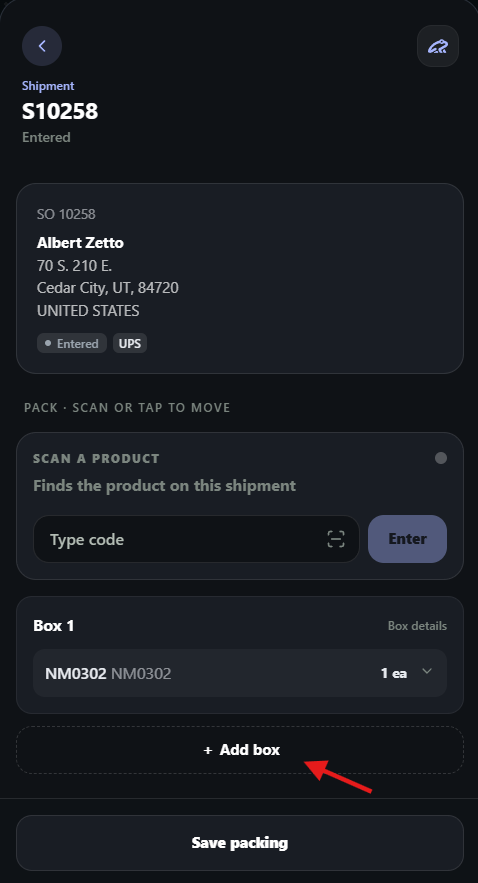
Once users have selected an order, they will see the order information screen.
This will display the line items on the order and their current boxes being used for packing.
- If users need additional boxes, they can select the “add box” button.
Once the packing is completed for the order, users can save the packing and then ship using the blue “Ship” button at the bottom of the screen.