Disclaimer: Not all features shown are available with the standard LilyPad Vortex package.
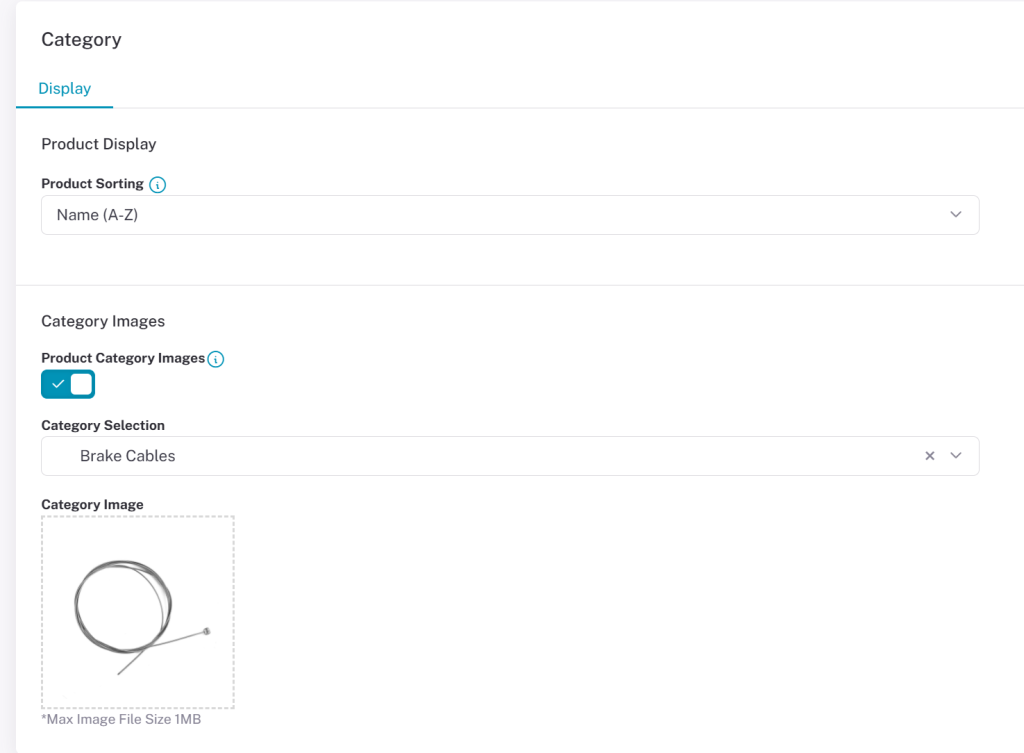
- Product Sorting — Determines the order products are sorted by: Name, Number, or Price.
- Product Category Images — Upload the category images seen in Vortex from this setting. Only sub-categories can have images. By default, if no image is selected, the first available product image from that category is used.