








How do you get ready for the holiday season in Fishbowl? Consider these five questions before the rush hits:
- Can you trust your inventory numbers?
- Will the right stock arrive on time?
- Are your sales channels in sync with Fishbowl?
- Can you get orders out the door?
- And are you ready for everything that comes back in January?
If you can answer yes to all five, you’ll spend the season selling instead of scrambling.
It’s early November, which means the big selling season is already clearing its throat. The good news: you still have time. The better news: most of what makes a holiday season go smoothly is boring, practical prep work, and boring is exactly what you want when ten thousand things are happening at once. Grab a coffee. Let’s go through it.
Can you trust your inventory numbers right now?
Everything else on this list depends on this one. If Fishbowl says you have a case of something and the shelf says otherwise, the holidays will find that gap and pour salt in it.
Before the rush, take a clean look at your counts. Run cycle counts on your fastest-moving items first, since those are the ones you’ll be selling hardest. Hunt down the usual troublemakers: negative quantities, parts sitting in the wrong location, and purchase orders that were physically received but never marked as received in the system.
The goal isn’t perfection across every SKU. It’s confidence in the items that will drive your season. A few hours of counting now beats a few days of apologizing to customers in December.
Will you have the right stock at the right time?
Holiday demand is not subtle, and neither are supplier lead times. Take a look at last year’s sales for your best sellers and compare them with what you have on hand and on order. Your own history is the best forecast you have, and Fishbowl already holds it.
Then check the less glamorous stuff. Are your reorder points still sensible for a season where things sell faster than usual? Do your suppliers have holiday closures or slower turnaround this time of year? Will that purchase order you’re “about to send” actually arrive before the rush, or after the party’s over?
If you’re late on a reorder, it’s better to know today than to find out when an item hits zero on a Tuesday in December.

Are your sales channels and Fishbowl on the same page?
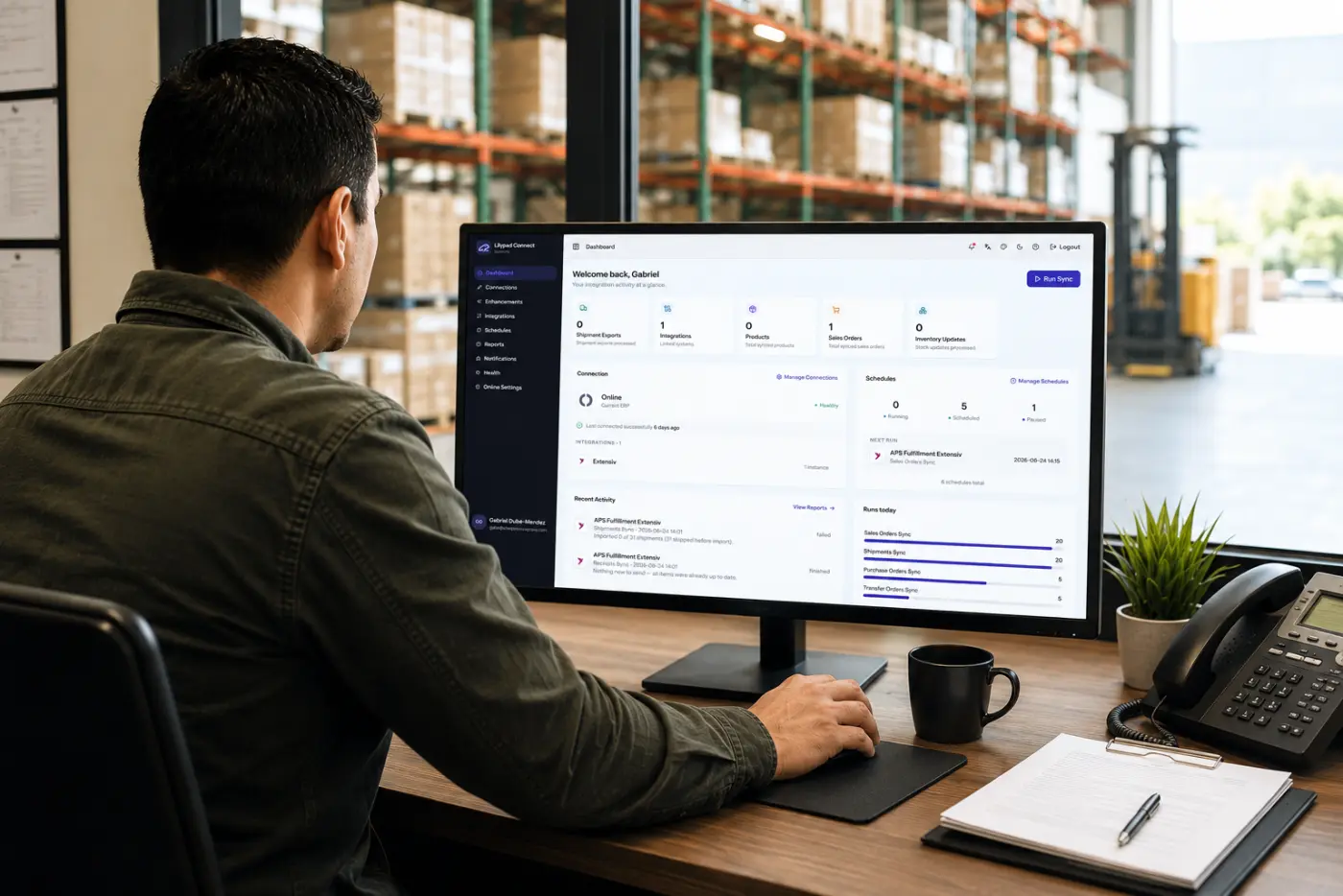
Whether you sell through a web store, a marketplace, wholesale orders, or all of the above, this is the moment to make sure everything flows into Fishbowl the way it should.
The simplest test is also the most reliable: place a test order and follow it all the way through.
Does it land in Fishbowl correctly? Is inventory updated? Do pricing, taxes, and shipping details look right? Do your promotions and bundles behave the way you planned?
And if you’re running a holiday promotion, check how it affects your stock. A discount that’s a smashing success is only fun if you can actually fulfill it. Finding out you oversold a hot item after the sale is how holiday cheer turns into a very awkward email.
Can you actually get orders out the door?
Selling is the fun part. Shipping is where the season is won or lost.
Start with the basics: check carrier holiday shipping cutoffs directly with your carriers (they change, so we won’t quote dates here), and decide what you’ll tell customers about delivery expectations.
Then look at your own warehouse.
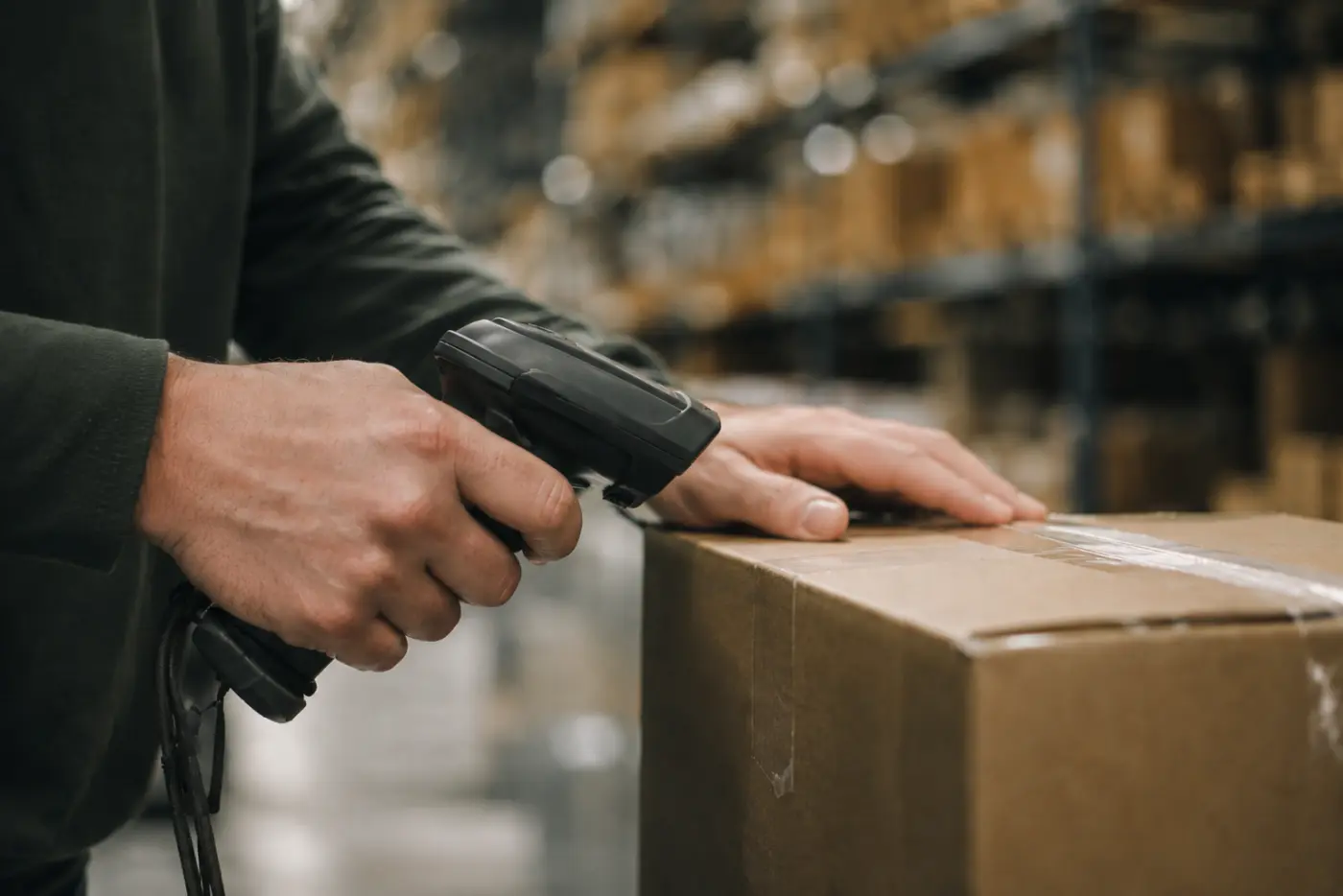
Do you have enough boxes, tape, and labels? Are your label printers and barcode scanners working? Is your pick path sensible, or does it route people past the same shelf four times?
If you’re bringing in seasonal help, remember they’ll be learning on the fly. Clear bin labels, accurate locations, and scanning wherever possible turn a brand-new teammate into a productive one a lot faster than a verbal tour of the warehouse ever will.
What happens when the holiday orders come back?
Here’s the part many teams skip, and the part that bites the hardest. Returns aren’t a January problem. They’re a holiday problem that shows up in January wearing a trench coat.
Let’s picture a hypothetical shop to make it concrete. Imagine you’re an outdoor retailer, and a customer gets a gift sweater in the wrong size and sends it back. It arrives at the dock, gets set on a shelf “for now,” and quietly becomes the world’s most expensive coat rack.
Meanwhile, another customer wants that exact sweater in that exact size, and your system says you’re out of stock. The item exists. Your system just doesn’t know it.
That’s the real cost of a sloppy returns process: sellable inventory trapped in limbo, customer refunds that drag, and books that are messy at the worst possible time.
So before the season starts, answer a few questions:
- Who owns returns? A name, not a department.
- Where does returned stock go first? Give it a designated spot so it never mingles with sellable inventory by accident.
- How does it get back into stock? Inspect it, decide whether it’s sellable, and get it recorded quickly.
- How do returns from your online store get into Fishbowl? This is the one that tends to be manual, so it deserves a hard look.
This is where LilyPad Nexus, our Fishbowl web client with AI capabilities, comes in. Nexus makes it easy to handle e-commerce returns in Fishbowl desktop, whichever shopping cart your orders come from. If returns are your weak spot heading into the season, it’s worth a look.
Is your team ready?
Prep isn’t only about systems. A few small things go a long way:
- Make sure everyone has the Fishbowl access they need, and no more than they need.
- Write a one-page cheat sheet for seasonal staff covering receiving, picking, and returns.
- Decide who’s the go-to person when something odd happens (and something odd will happen).
An hour spent here saves a surprising amount of “quick question” interruptions when things get busy.
The quick version: your holiday readiness checklist
- Count your top sellers and fix obvious discrepancies
- Compare last year’s sales with current stock and open orders
- Confirm reorder points and supplier timelines
- Place a test order through every sales channel
- Check carrier cutoffs and stock your shipping supplies
- Define your returns process, owner, and holding area
- Prepare a cheat sheet for seasonal staff
Frequently asked questions
When should I start preparing for the holiday season in Fishbowl?
As early as you can, and ideally well before your busiest weeks begin. If you’re reading this in early November, start with inventory accuracy and open purchase orders, since those take the longest to fix.
What’s the most common holiday inventory mistake?
Trusting numbers that haven’t been checked. Counting your fastest-moving items before the rush catches many problems before customers do.
How should I handle e-commerce returns in Fishbowl?
Decide who owns returns, give returned items a designated holding spot, and get them recorded and back in stock quickly. LilyPad Nexus can help you process e-commerce returns in Fishbowl desktop from any shopping cart.
Do I need to prepare differently for wholesale and online orders?
The core prep is the same: accurate stock, reliable order flow, and a plan for shipping and returns. Test each channel separately so you know every path works.
One last thing
Nobody has a flawless holiday season. Something will run late, something will sell out faster than expected, and someone will return a gift they received from themselves. But a little preparation now means those surprises stay small. You’ve got this, and if you want a hand with Fishbowl before the rush, we’re happy to help.