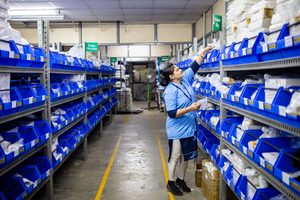
We’ve all been there – that slightly frantic moment where you’re looking for that one specific clipboard that was on the receiving dock an hour ago. The one with the handwritten notes about the weird substitution that came in. The one that’s currently serving as a coaster for someone’s coffee, or worse, is just gone.
Transitioning to a paperless warehouse isn’t about some fancy corporate mandate or high-tech jargon; it’s about making your everyday working life a lot easier, your inventory more accurate, and your business more agile.
You might be thinking, “That sounds nice, but isn’t a paperless warehouse impossible or just for giant companies?” The good news is, for many growing distributors and e-commerce players, it’s not only possible but incredibly beneficial. Let’s ditch the paper clutter and dive in!
What Are the Real Advantages of a Paperless Warehouse?
Moving beyond the environmental handshake, the practical, every-single-day advantages of a paperless approach are hard to ignore. Here’s what’s really in it for you, minus the buzzwords:
- Blazing Efficiency. Remember the clipboard chase? In a digital warehouse, order information is there, in real-time, on a mobile device. No printing, no sorting, no frantic paper shuffles. This speeds up everything, from receiving and picking to shipping. Your team can process more orders, faster, and with less physical foot traffic.
- Incredible Accuracy. Human errors like misreading messy handwriting, transposing numbers, or simply losing a picking slip are minimized. When everything is captured via a mobile barcode scanning workflow (more on that later), mistakes practically vanish. It’s like having a helpful digital assistant watching every transaction.
- Real-Time Data. In a paper-based system, your central ERP (like Fishbowl, Katana, or your general ledger) is only as up-to-date as the last person who key-entered the paper data. With a paperless system, warehouse bin tracking and inventory levels update instantly as they are scanned on the floor. You’ll always know exactly what you have and where it is. No more “I think we have some in the back…”
- Cost Savings. You don’t need made-up numbers to see the savings. The cost of paper, toner, clipboards, pens, file cabinets, and, crucially, the labor hours spent managing, filing, and correcting paper mistakes, is real and significant. Plus, fewer mistakes mean fewer costly re-ships and happier customers.
- A Smarter, Happer Team. People can focus on their jobs, not paper management. Workflows are clearer, instructions are on screen, and there’s less stress about losing information. Standard operating procedures become smoother to follow, especially when they’re integrated into the software.
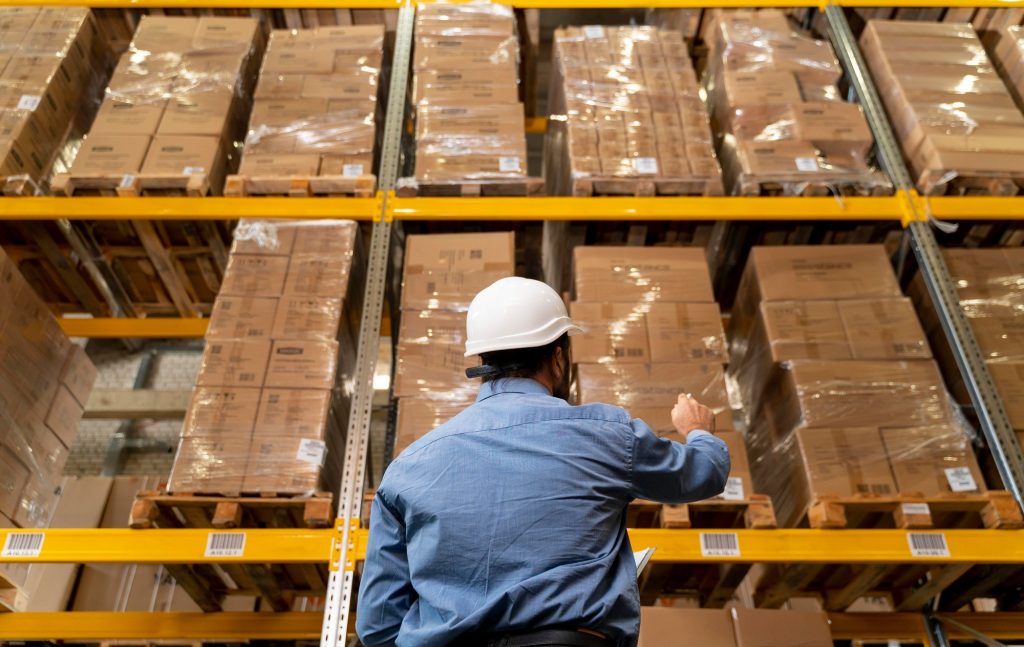
The Digital Dance: Your Paperless Workflow, Explained
Let’s break it down into an elegant, digital process – no stumbles, all grace. We’ll look at a key part of your warehouse: the flow from Receiving to Put-Away. Let’s walk through those steps, and explain why it makes your life easier:
1. Incoming Order (Digital)
An incoming order from your ERP (let’s say it’s a purchase order you just raised to restock your best-selling widget) isn’t printed. Instead, it’s instantly visible on the warehouse screens and team devices. The team knows what’s coming, when, and from where, all without a single piece of paper.
Why it’s paperless perfect: Instant visibility for everyone. No lost POs, no outdated versions. The information comes straight from your central system, in real-time.
2. Scan & Match
Your team now uses their mobile device, pointing it at the incoming boxes. As they scan an item’s barcode, the software checks it against the digital purchase order. Mobile barcode scanning confirms you received the right item and the right quantity.
Why it’s paperless perfect: Drastically reduces human error. No accidental manual counts, no “I thought I saw three of those…” It’s accurate, fast, and ensures your records are perfect from the moment goods arrive.
3. Bin Tracking & Put-Away
The receiving process isn’t done until things are away. The mobile app doesn’t just stop at matching; it guides the user. It can suggest an appropriate warehouse bin tracking location, or simply ask for the item to be scanned into its permanent spot.
Your team places the widget on shelf ‘Bin A1’, scans the barcode on that bin, confirming the precise new location. In that single scan, your entire system updates with both the quantity and the location of your widgets.
Why it’s paperless perfect: Your system always knows where your stuff is. Put-away is guided and confirmed, making finding things later (for picking) efficient. No more mystery bins, no more lost inventory within your own warehouse. Warehouse bin tracking is integrated, not an afterthought.
Essential Tools of the Warehouse Trade
So, how do you make this happen? You don’t need to be Tony Stark. The key components of a paperless warehouse are accessible to businesses of all sizes:
- A Smart Mobile WMS (Warehouse Management System). Think of this as the intelligent brains and easy-to-use interfaces that live on your warehouse floor, connected to your main ERP. It should be a friendly app that translates your complex business rules into simple, scan-guided tasks for your team, covering receiving, putting away, picking, counting, and shipping.
- Handheld Hardware. This is where you get to decide.
- Handheld Barcode Scanners: Often called “scanner guns,” these are rugged, dedicated devices with built-in screens. They’re built for efficiency, often have longer battery life, and are designed to take a few warehouse drops.
- Smartphones/Tablets: For many smaller or newer warehouses, a modern smartphone and an inexpensive Bluetooth scanner (or even just the phone’s camera with a great app) can be a cost-effective and powerful starting point. It’s flexible, and most people already know how to use them.
- Barcode Labels. None of this works without barcodes. Everything from your raw materials and finished goods to your bin locations, shelves, and even your employees and picking carts can have unique barcodes. Your mobile system uses these tiny labels to make data entry as simple as a click. Think of them as the unique IDs for everything in your warehouse world.
- A Reliable Network. Your mobile devices need to talk to your central system. Good Wi-Fi coverage across your warehouse is important. It doesn’t need to be NASA-level, but it should be consistent, especially where transactions happen, to prevent data lag.

The Transition: Easy Does It
Moving from a paper-laden workflow to an elegant digital process isn’t a flip of a switch; it’s a journey. Here’s how to make it smoother:
- Start Small & Pilot. Don’t try to convert your entire operation in one day. Moving to paperless warehouse steps involves phasing. Choose one department (like Receiving) or one product line, or one specific warehouse zone. Run a pilot program, get feedback, refine your standard operating procedures, and then expand.
- Team Buy-In & Training. This is crucial. Involve your warehouse team early in the process. Explain why you’re doing it – focus on making their lives easier and their jobs less prone to mistakes. Show them the simple app interfaces. Address any fears they have. People can worry about being replaced by scanners or not understanding the technology. Assure them it’s a tool to help them, not replace them.
- Clean Data Before You Start. A digital system thrives on good data. Before you unleash barcode scanning, make sure your ERP data is clean, consistent, and accurate. Obsolete SKUs, varying units of measure, and non-standardised bin naming conventions are paperless monsters.
- Hardware and Software Partners. Choose equipment and software that fit your budget and your team’s needs. Look for intuitive apps and reliable support. (Hint, hint: LilyPad Applications is built to make these transitions practical and friendly, bridging the gap between major ERPs and the warehouse floor.)
- Patience & Celebration. There will be hiccups. Someone will forget to scan something, a device might need a reset, or a Wi-Fi dead spot might appear. Frame these as learning moments, not disasters. And celebrate every milestone – the first paperless receiving day, the first accurate count, the day you finally retire the old coffee-stained clipboard!
Tackling Potential Hurdles
Let’s address the potential hurdles head-on:
- Hardware Cost & Management: Yes, scanners cost money. So do smartphones. But the return on investment from fewer errors and higher efficiency is real and often quick.
- Change Resistance: People, as it happens, like things they know. Your team knows paper. Be patient. Focus on the benefits to them. Provide great support. Celebrate successes. It’s a process.
- System Crashes/Data Loss: Any digital system can have issues, but reputable systems have backups and robust recovery. And with a mobile WMS integrated with a strong ERP, your actual inventory data isn’t on the phone; it’s secure in your central system. The phone is just your direct, efficient window into that data.
The Paperless Future
So, clipboards, you’ve served us… well, adequately. Sometimes.
But the future is digital, streamlined, and delightfully paper-free. By transitioning to a paperless warehouse workflow, you’re not just saving some trees; you’re unleashing your business from the logistical anchor of a by-hand system.
Ready to see how LilyPad Applications can help your business?Let’s get you paperless, properly!