









Logging In
LilyPad Connect is middleware that connects your other systems, such as Shopify, or Extensiv, to your ERP, such as Fishbowl.
Connect syncs data like sales orders, customers, shipments, inventory and receipts between your systems and your ERP, either on a schedule or when you run a sync manually.
Connect is opened from the LilyPad customer portal, where users also manage their sites, subscriptions, billing and users.
- Go to the LilyPad customer portal.
- Enter your email and password. Check Keep me signed in for 30 days to stay signed in on this device.
- Select Sign in.
- Forgot your password? Select Forgot password? on the sign-in page.
The portal Dashboard shows your total sites, active subscriptions, upcoming renewals, recent invoices and your sites by product.
Opening Connect
On the portal dashboard, scroll to Your sites. Find your Connect site, and select Open.
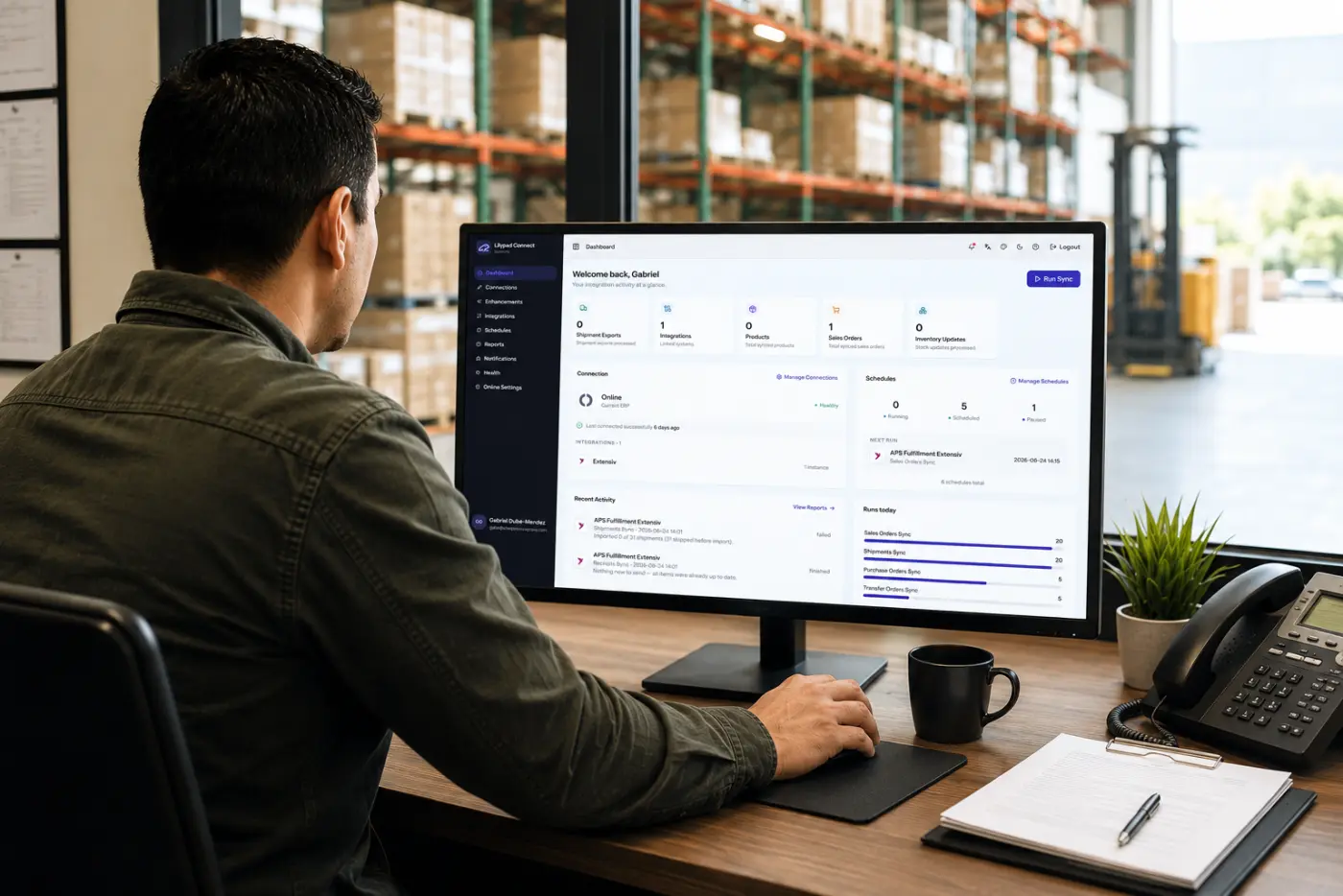
Connect opens on its own Dashboard. If no ERP is connected yet, a banner at the top says to set up your connection. See the Connections page.
- To return to the portal from Connect, select Lilypad Applications portal at the bottom of the sidebar.