Disclaimer: The settings shown are not available with the standard LilyPad Vortex package. Transfer Orders are only available to LilyPad 3PL users.
Creating a Transfer Order #
Only salespeople can create Transfer Orders.
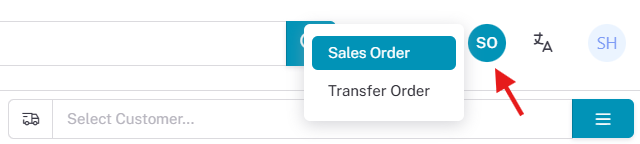
Unlike a Sales Order, no customer needs to be selected for a Transfer Order. Once “Transfer Order” is selected, a “TO” appears at the top right, meaning you are making a transfer order, and items can be placed directly into the cart. (The customer selection tab is removed since you are entering a Transfer Order.)
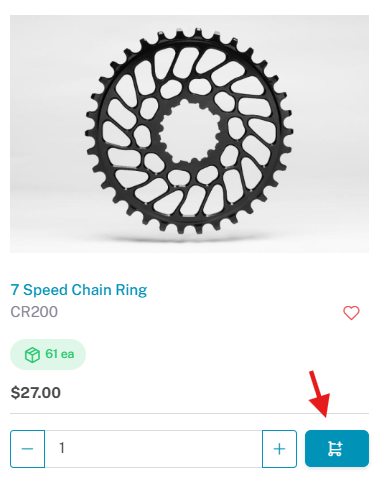
The process of adding items to the cart is the same as a sales order, search for the items you need and them them to the cart using the blue shopping cart icon.
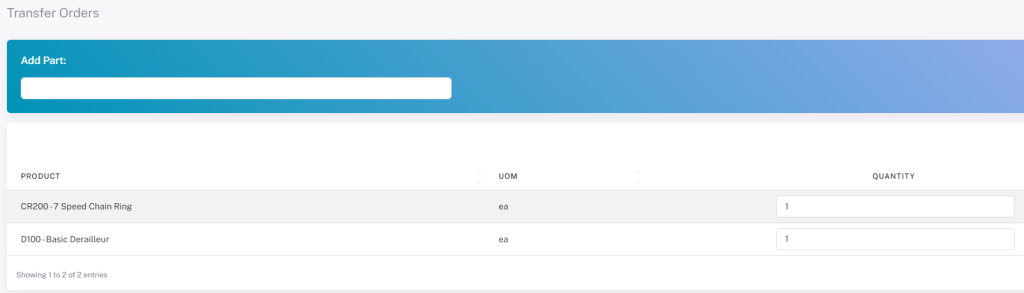
Once you have found all the products you want for the transfer order, you can go to the shopping cart. In the shopping cart you will not see any prices appear only quantities and unit of measure.
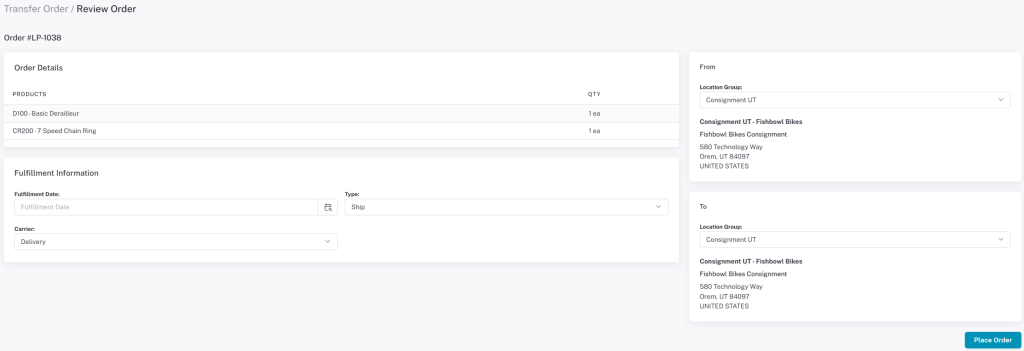
The Transfer Order checkout page contains only the to/from addresses, the fulfillment date, and the carrier information. Click Place Order to submit the Transfer Order to your database.