

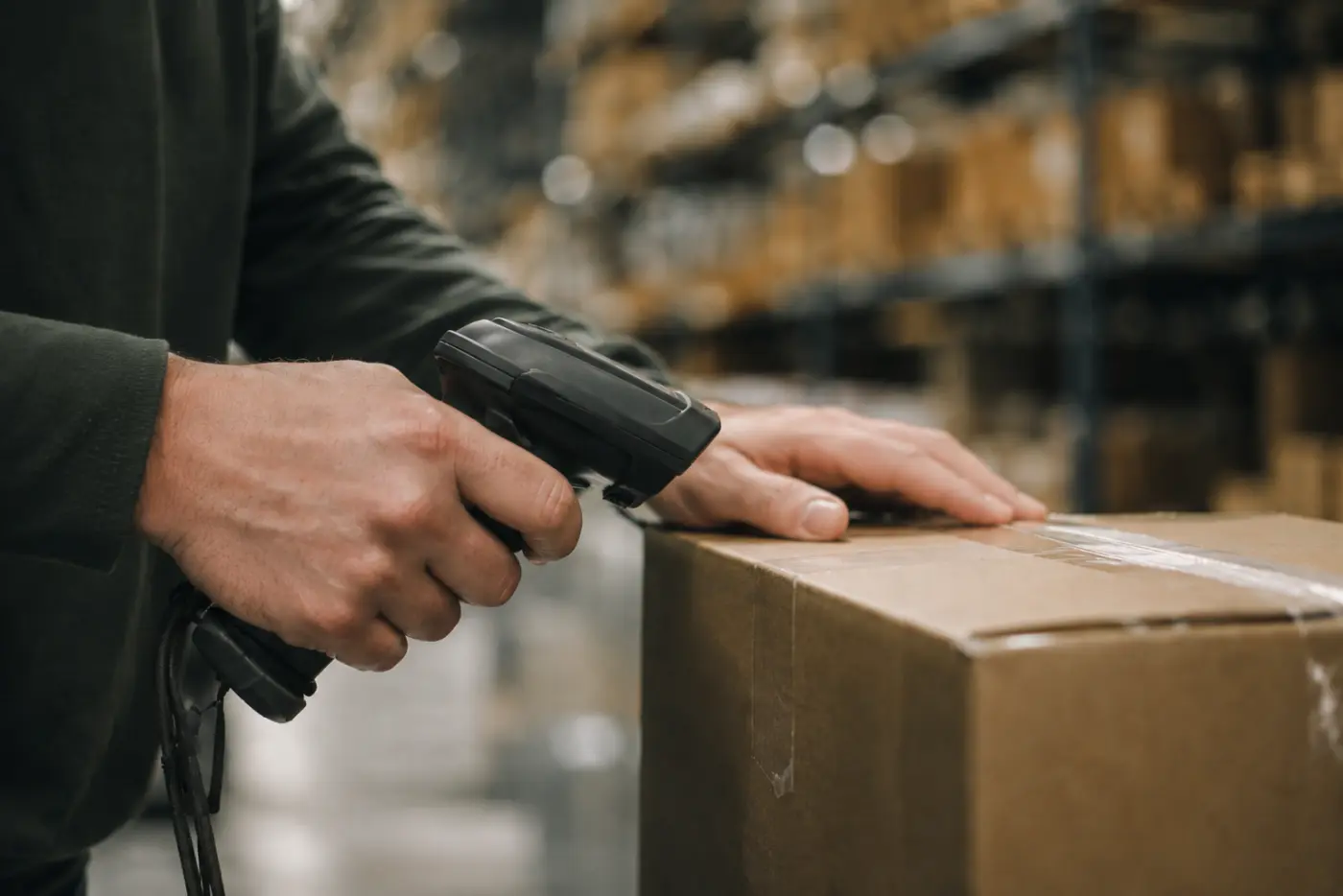







Your system, in sync with everywhere you sell.
Connect links Fishbowl, Katana, Cin7 or QuickBooks Online to Shopify, Walmart, TikTok Shop, eBay, Etsy and more. New orders land in your system on their own, and tracking and stock go back out. Nobody re-keys an order.
- Two-way, scheduled sync
- 20+ channels
- Hosted and supported by LilyPad
Channel not listed? We build custom integrations
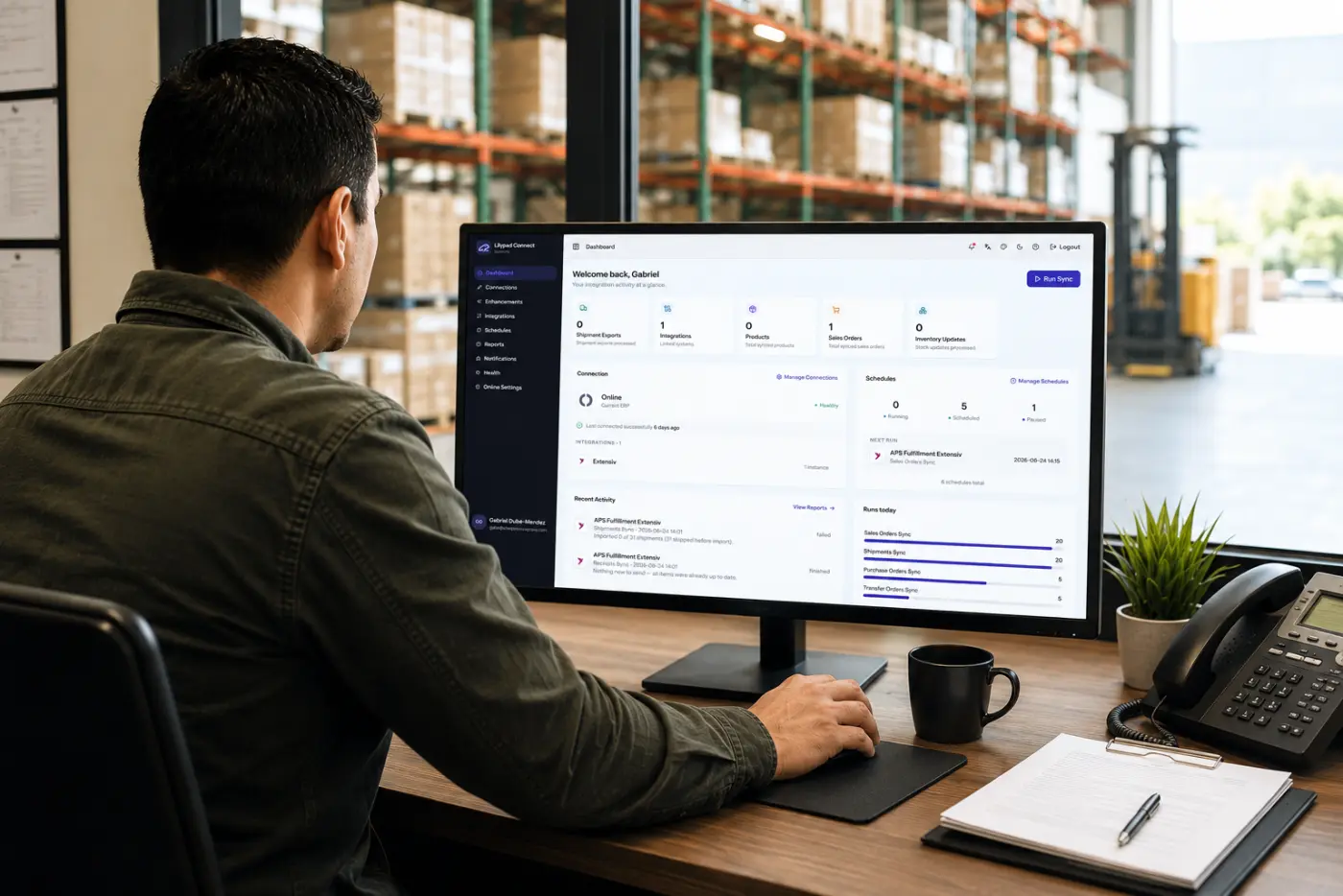
How a sync runs
One run keeps everything aligned.
Each run reconciles orders, shipments and stock between your system and your channels, and logs every record.
-
01
Channel → your system
Orders come in
New orders become sales orders, with the customer, addresses, items, prices and carrier already filled in.
-
02
Your system → channel
Tracking and stock go out
When you ship, the order is marked fulfilled with its tracking number. Stock levels go back to each store, so you only sell what is on the shelf.
-
03
Every run
Every record is logged
Run on a schedule or on demand. Anything that fails is flagged with the reason, so you fix it once instead of hunting for it.
Integrations
Connect to everywhere you sell and ship.
Open any channel to see exactly what moves, and which way.
 ShopifyOrders · Tracking · Stock
- Into your systemNew orders become sales orders
- Back to the channelFulfilled with tracking when you ship
- Back to the channelStock levels, per Shopify location
- Both waysReturns, closed in Shopify once received
- Into your systemProducts
 WalmartOrders · Tracking · Stock
- Into your systemMarketplace orders become sales orders
- Back to the channelTracking when you ship
- Back to the channelStock levels
 TikTok ShopOrders · Tracking · Stock
- Into your systemTikTok Shop orders become sales orders
- Back to the channelTracking when you ship
- Back to the channelStock levels
 BigCommerceOrders · Tracking · Stock
- Into your systemNew orders become sales orders
- Back to the channelTracking when you ship
- Back to the channelStock levels
 WooCommerceOrders
- Into your systemNew orders become sales orders, with customer, addresses, items and prices
 Adobe CommerceOrders
- Into your systemNew orders become sales orders
Formerly Magento.
 WixOrders · Tracking · Stock
- Into your systemNew orders become sales orders
- Back to the channelTracking when you ship
- Back to the channelStock levels
- Back to the channelProducts
 SquarespaceOrders · Tracking · Stock
- Into your systemNew orders become sales orders
- Back to the channelTracking when you ship
- Back to the channelStock levels
 SquareOrders · Tracking
- Into your systemNew orders become sales orders
- Back to the channelTracking when you ship
 MivaOrders · Tracking · Stock
- Into your systemNew orders become sales orders
- Back to the channelTracking when you ship
- Both waysStock levels
 X-CartOrders
- Into your systemNew orders become sales orders
 eBayOrders
- Into your systemNew orders become sales orders
 EtsyOrders
- Into your systemNew orders become sales orders
 FaireWholesale orders · Tracking · Stock
- Into your systemWholesale orders become sales orders
- Back to the channelTracking when you ship
- Back to the channelAvailable stock
 Whole FoodsOrders · Invoices
- Into your systemPurchase orders become sales orders
- Back to the channelInvoices
 ShipBob3PL orders · Shipments
- To ShipBobOrders sent to ShipBob to fulfill
- Into your systemShipments and tracking come back
- Into your systemOrders placed in ShipBob become sales orders
For brands that ship through ShipBob.
 Extensiv3PL orders · Receipts · Stock
- To ExtensivOrders sent to your 3PL for fulfillment
- Into your systemShipments and tracking
- Into your systemReceipts and stock levels
For warehouses run on Extensiv.
 MyCarrierFreight
- To MyCarrierShipments sent for freight booking
 Zoho InventoryOrders · Stock · POs · Products
- Into your systemSales orders
- Back to the channelTracking when you ship
- Both waysStock levels
- Both waysPurchase orders, receipts and transfers
- Both waysProducts and returns
 Data ExchangeAny document, by file
- Both waysOrders, purchase orders, receipts, transfers, stock and shipments
For 3PLs and trading partners: files over SFTP, mapped to your partner’s template.
 Bill.comPurchase orders
- Both waysPurchase orders exchanged with Bill.com
New channels are added every release. Don’t see yours? Ask us
Capabilities
One integration layer for your whole stack.
Connect every channel to your system and let the documents move themselves.
3PL data exchange
Fulfilling for partners? Swap every document automatically.
For 3PLs and businesses working across several logistics partners. Connect exchanges orders, receipts, shipments and stock with each partner on a schedule, mapped to whatever template they use.
- A dedicated SFTP site for every upload and download
- Mapped to any 3PL CSV template
- Orders, receipts, shipments and stock, both ways

Popular pairings
Running Shopify?
See exactly what moves between your store and your system.


Questions, answered
Which systems does Connect work with?
Fishbowl, Katana, Cin7 and QuickBooks Online. Your system stays the source of truth, and Connect keeps your channels aligned to it.
Which channels can it sync?
Shopify, Walmart, TikTok Shop, BigCommerce, WooCommerce, Adobe Commerce, Wix, Squarespace, Square, Miva, X-Cart, eBay, Etsy, Faire and Whole Foods, plus 3PLs like ShipBob and Extensiv. What moves depends on the channel, and the channel list on this page shows it for each one.
How often does it sync?
You choose. Each store and process runs on its own schedule, and you can run a sync on demand at any time.
What happens when a record fails?
Every run is logged. Anything that fails is flagged with the reason, so your team can fix it and run it again.
Who hosts it?
We do. Connect is hosted and supported by LilyPad, with logins for everyone on your team.
My channel isn’t listed. Can you connect it?
Usually, yes. If the other system has an API or accepts a file, we can build the integration. Tell us what you need.
Integrations that just run.
“Thank you for writing a comprehensive integration out of the gate. I have not heard a single complaint from colleagues. An amazing feat.”



Connect your channels.
Tell us your system and where you sell. We’ll show you Connect syncing them live, both ways.